# Convert PDF to Word Document using Java
This article will demonstrate how to convert a PDF to Word document with a 3rd party free Java API.
**Import JAR Dependency** (2 Methods)
● Download the Free API ( [Free Spire.PDF for Java](https://www.e-iceblue.com/Download/pdf-for-java-free.html) ) and unzip it, then add the Spire.Pdf.jar file to your project as dependency.
● Directly add the jar dependency to maven project by adding the following configurations to the pom.xml.
```xml
com.e-iceblue
e-iceblue
http://repo.e-iceblue.com/nexus/content/groups/public/
e-iceblue
spire.pdf.free
3.9.0
```
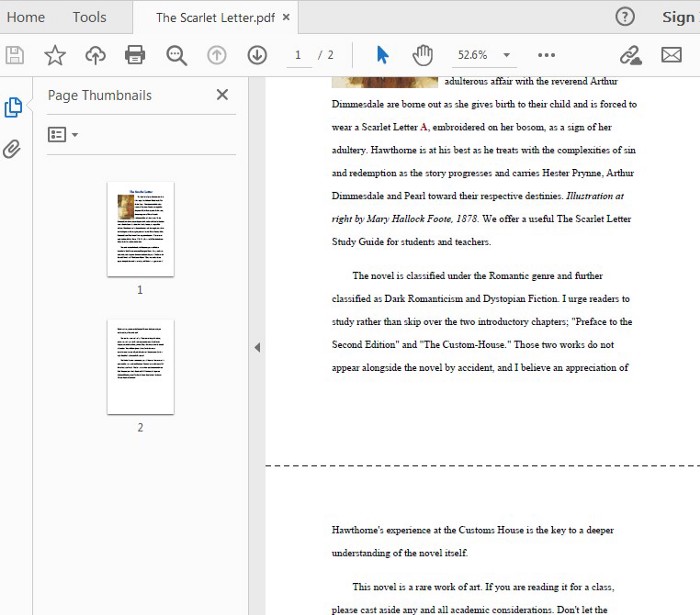
**The original PDF document is shown as below:**
**Code Snippet**
```java
import com.spire.pdf.*;
public class ConvertPDF {
public static void main(String[] args) {
//Create a PdfDocument object
PdfDocument doc = new PdfDocument();
//Load the sample PDF file
doc.loadFromFile("C:\\Users\\Administrator\\Desktop\\The Scarlet Letter.pdf");
//Save as .doc file
doc.saveToFile("output/ToDoc.doc",FileFormat.DOC);
//Save as. docx file
doc.saveToFile("output/ToDocx.docx",FileFormat.DOCX);
doc.close();
}
}
```
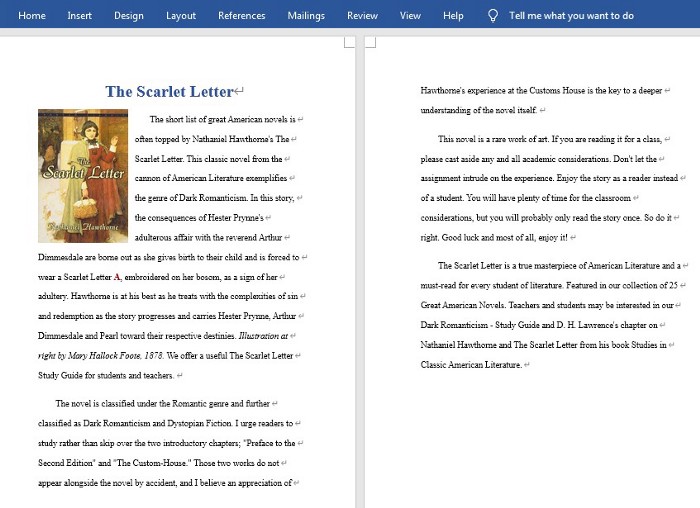
**The output Word document:**